
Which five pages does a Portsmouth business website need?
A carpenter, a caterer and a training provider can all start with five pages. The difference is what their customers need to see before they’ll get in touch.

Don't have an account? Create Account
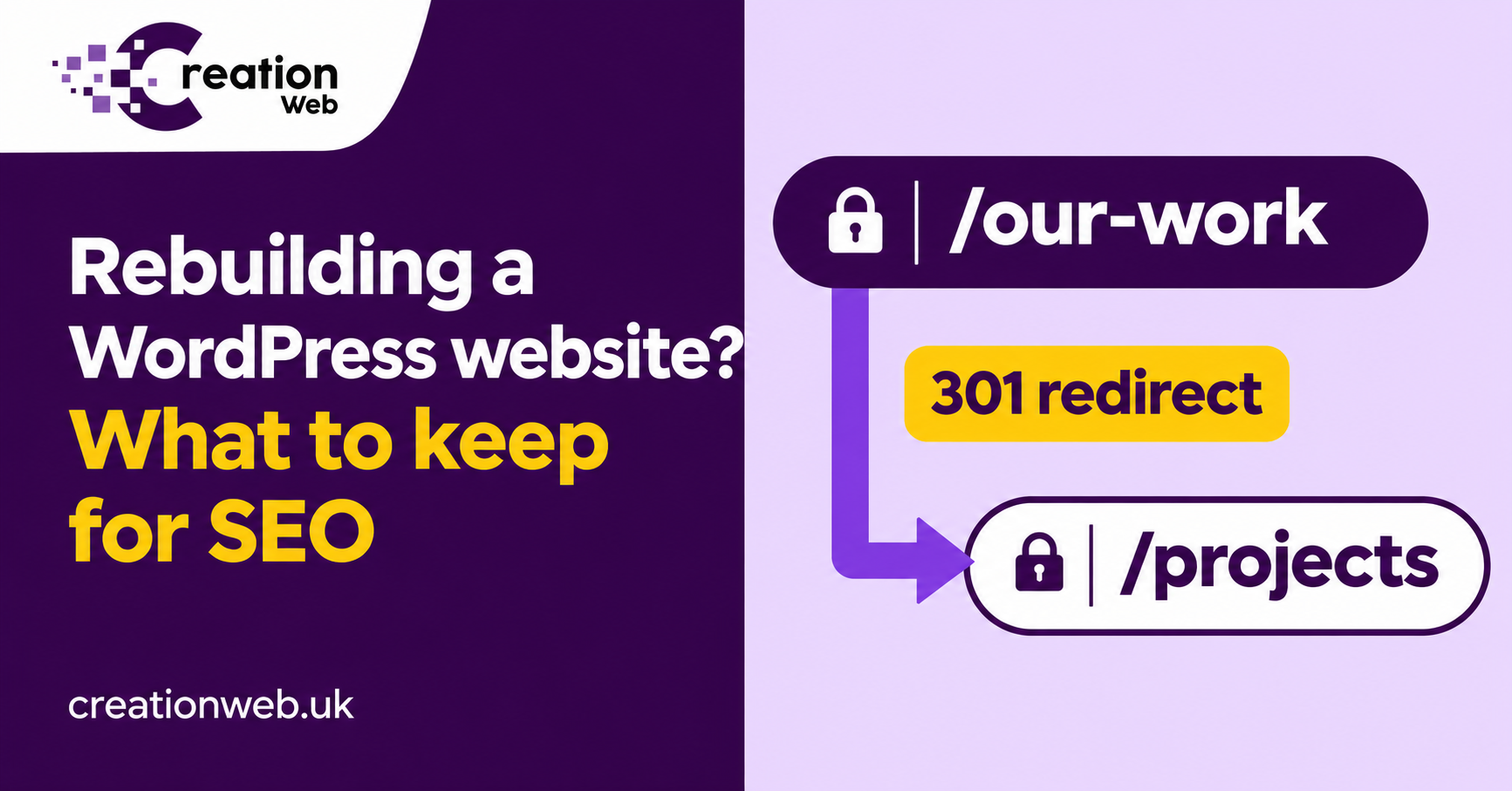
Before approving a new design, find out which old pages bring customers to your door. Here’s what to keep, what to redirect and what to test on launch day.
Team Creation
Author
Before anyone changes the design, ask for a list of the pages that currently bring in search visitors and enquiries. Those pages, their addresses and the answers they give customers are the starting point for a rebuild. A change of theme, or even a move from WordPress to Laravel, doesn’t by itself require new public URLs.
Export your landing pages from Google Search Console and look at the search terms behind the clicks. Compare that with enquiry or sales data where you have it. A page with modest traffic may bring in the best jobs of the year. Ask the people who answer the phone which pages they send to prospective customers.
Add the existing sitemap, important downloads and pages that other websites link to. Put each old address into a spreadsheet with columns for its proposed address, what must survive and who will check it. This catches the useful pages that never made it into the main menu.
Choose a period that reflects normal trading and save the dates with your export. If a service is seasonal, keep the same period from the previous year where the data is available. Record the number of clicks, the main searches and the enquiries you can attribute to each important page. If enquiries have never been tracked, say so in the brief. An honest gap is easier to work with than a baseline assembled from memory.
Look beyond the pages with the biggest numbers. A manufacturer might get thousands of visits to a general explainer and only a handful to a specialist assembly service. One visit to that service could lead to a substantial order. Mark the pages the sales team values, even if the traffic is low. Give those pages named sign-off owners before the design work starts.
Ask which plugins currently generate page titles, redirects, forms and the sitemap. Some of that work may be invisible until you turn a plugin off. An old redirect added years ago could still be catching traffic from a trade directory. A downloadable specification might live in the uploads folder and appear in search in its own right. Changing the theme can also remove breadcrumb links that helped people move from a project back to the service.
Save examples of each important page type while the old site is available. Include a service, a project, a category if it attracts visitors and any landing page used in a campaign. A screenshot and a saved list of links will help the person checking the replacement spot missing information. Keep an export of the existing redirect rules as well as a backup of the site.
Suppose a driveway page gets searches about laying resin over an existing surface. The new design keeps the page address but replaces the explanation of suitable bases with a photo gallery. Someone landing there now has to ring up to get an answer the old page gave them straight away.
Read the pages that already perform well before rewriting them. Keep the useful specifications, examples, photos and links from related services. Carry over accurate page titles and headings where they still describe the work. If the old information is wrong, correct it. A migration spreadsheet is a record of what matters, rather than a reason to preserve every sentence.
If the address still makes sense, keep it. When a service moves permanently, use a permanent redirect, normally a 301, straight from the old address to its closest equivalent. For example, an old fitted-kitchens page should lead to the replacement kitchen service. Sending every retired URL to the homepage leaves customers to start their search again. If a page has genuinely gone and there is no equivalent, a proper 404 or 410 response is appropriate.
Update your menus, links within the copy and sitemap to use the final addresses. Check that each important page identifies its intended live URL as the preferred version, often called its canonical URL. An old domain or a staging address here is easy to overlook.
Imagine a joinery business moving its WordPress website into a new platform. Its page at /fitted-wardrobes/ already brings in survey requests. The developer can keep that address, so the first row of the map reads “retain”, with a check that the live page loads directly and still explains the survey process. There is no benefit in changing the address simply to match the new menu label.
Two pages at /alcove-units/ and /alcove-cabinets/ cover the same work. The owner wants a single page. The brief specifies which examples and explanations must appear on it, and the old address being retired redirects directly to the chosen page. Someone who bookmarked an example should still find that type of work after the move.
A fourth URL advertises a vacancy filled two years ago. There is no current recruitment page or equivalent vacancy. Record that decision and remove internal links to the expired listing. It’s quite different from accidentally losing a live service page. Accounting for both in the map lets the developer tell an intended removal from a fault.
If the domain is changing too, keep control of the old domain so the redirects can continue working. Google’s site migration guidance recommends keeping redirects for at least a year after a move. An old address printed on a vehicle or brochure may warrant keeping for longer because customers still use it. Budget for that renewal when costing the project.
Open the old addresses from your spreadsheet and check where you land. Confirm that the new pages load, are available to search engines and don’t carry a staging instruction telling Google to leave them out of search. Submit the updated sitemap in Search Console. Then make a test enquiry from mobile and check both the inbox and any agreed conversion tracking.
In the weeks after launch, compare clicks and enquiries for the same landing pages against your pre-launch figures. Some movement is normal while Google processes changes. A formerly busy page suddenly returning a 404 is a specific fault you can fix.
First separate a tracking fault from a search issue. If Search Console still shows clicks to the same landing pages but your analytics dashboard suddenly shows very few visits, check the analytics installation and consent behaviour. If search clicks look steady and the office has stopped receiving enquiries, make a test submission. A missing form notification can look an awful lot like a bad month in search.
If a particular service has lost clicks, inspect that URL. Does the old address reach the intended page in one hop? Does the new page show the service text to a visitor on a phone? Does it point to itself as the preferred URL? Compare its search queries with the baseline. If the lost searches all concern pricing or coverage, check whether that section survived the rewrite.
A broad drop across every page calls for a different investigation. Check whether the live site inherited restrictions from staging, whether the server is returning errors and whether the correct domain is being monitored. Fixing a site-wide setting has a very different cost from rewriting twenty pages. Diagnose the pattern before commissioning more copy.
Ask each developer for a pre-launch inventory, a redirect map and a record of the tests on the live domain. Get a named contact for issues found afterwards. Specify who will test forms and downloads as well as who will review Search Console. Ask when you can see the staging site and how late changes to the old website will be carried across.
For a business that takes orders or bookings online, agree when changes will stop on the old system and how new transactions will be reconciled. Restoring a complete old database after a failed launch can overwrite orders placed in the meantime. The person responsible for launch should be able to explain the recovery plan in terms the office can follow. That answer is worth hearing before you approve the quote.
Creation Web builds Laravel and PHP systems through our website development service. If your rebuild involves the choice of platform, ask whoever quotes to include the URL map, launch checks and responsibility for fixing missed redirects. That makes the handover as concrete as the design.
If this is close to a project you are planning, tell us what you need and we will quote it.
A carpenter, a caterer and a training provider can all start with five pages. The difference is what their customers need to see before they’ll get in touch.
We're here to help with your next project
Send your message any time you want.
WhatsApp us!